It knows where things go.
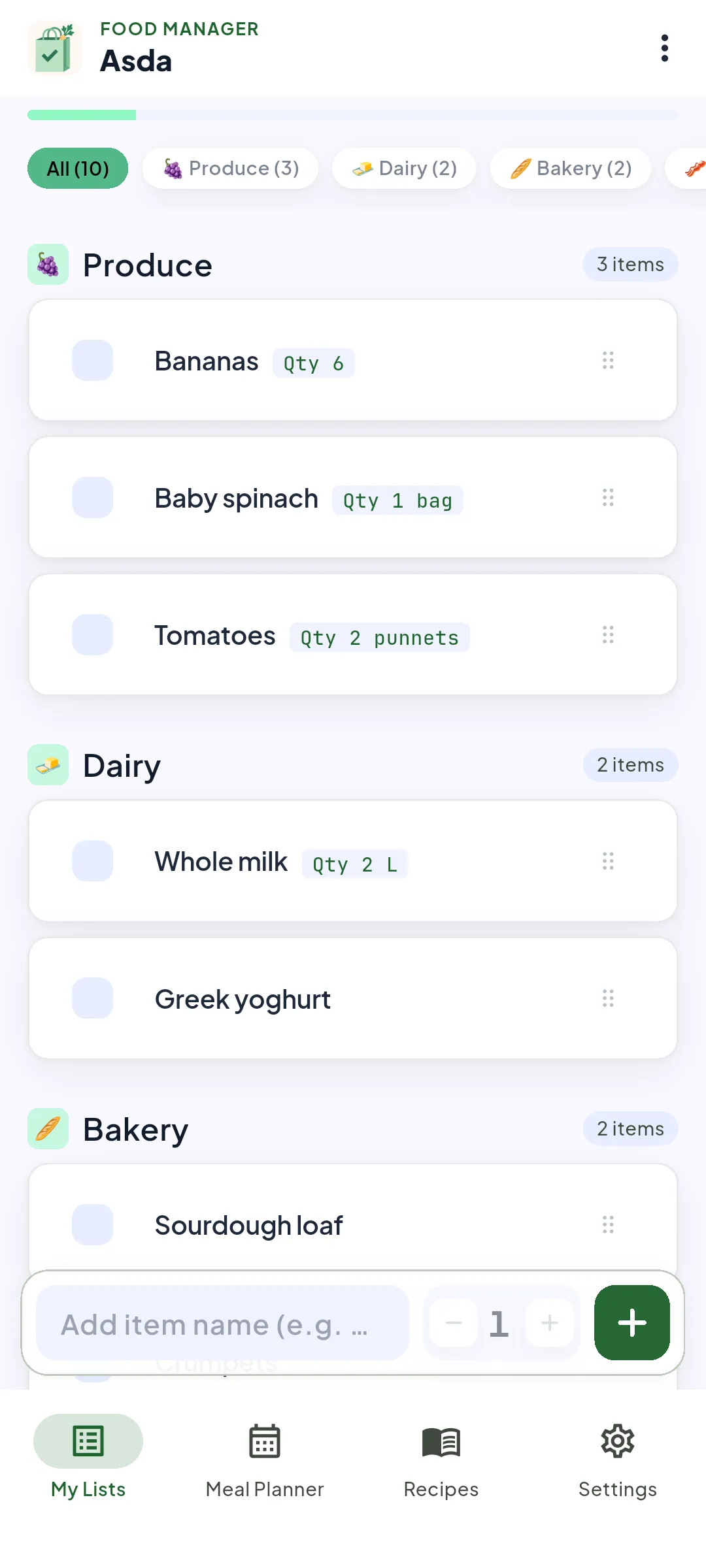
Type “halloumi” and it lands in Dairy before you’ve put your phone down. The model runs on your phone, so your list never leaves it to be sorted.
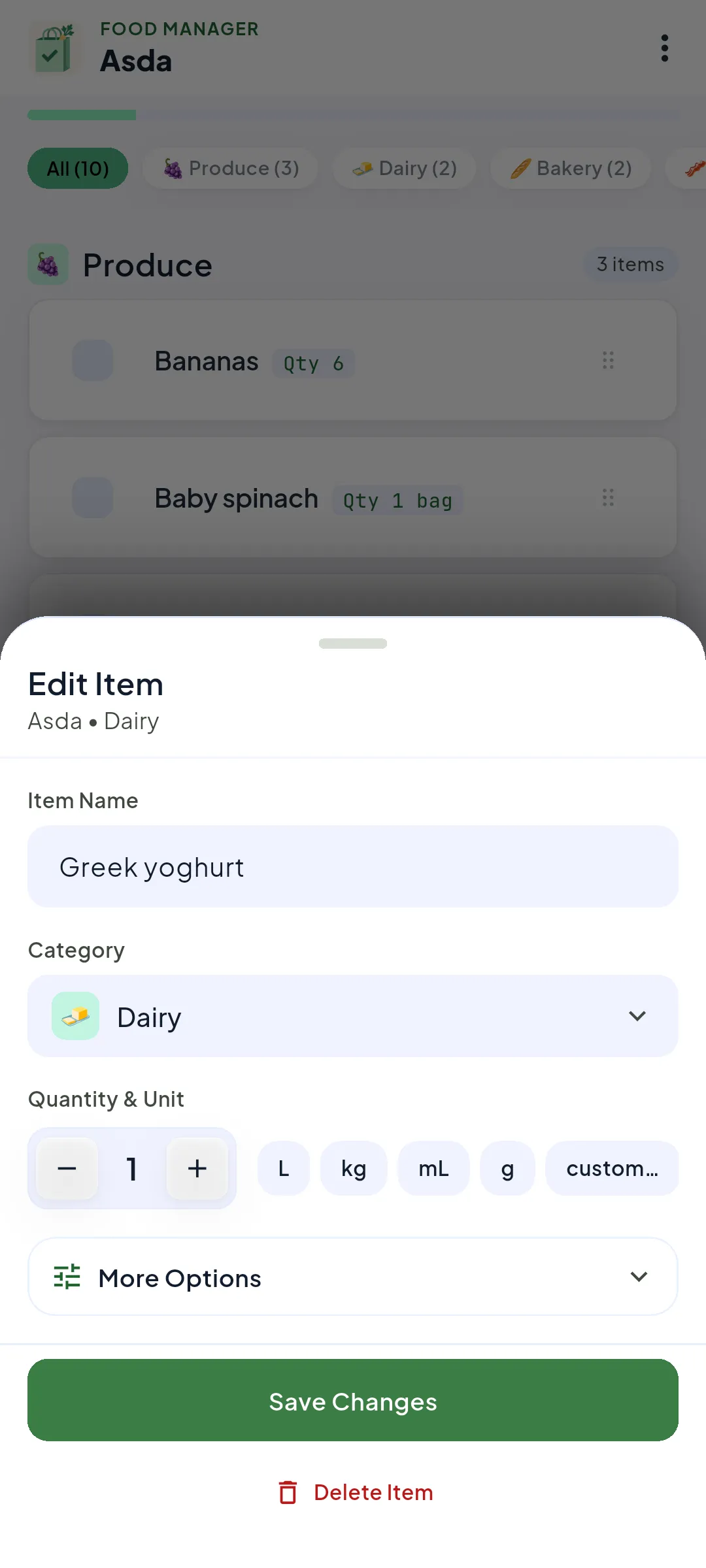
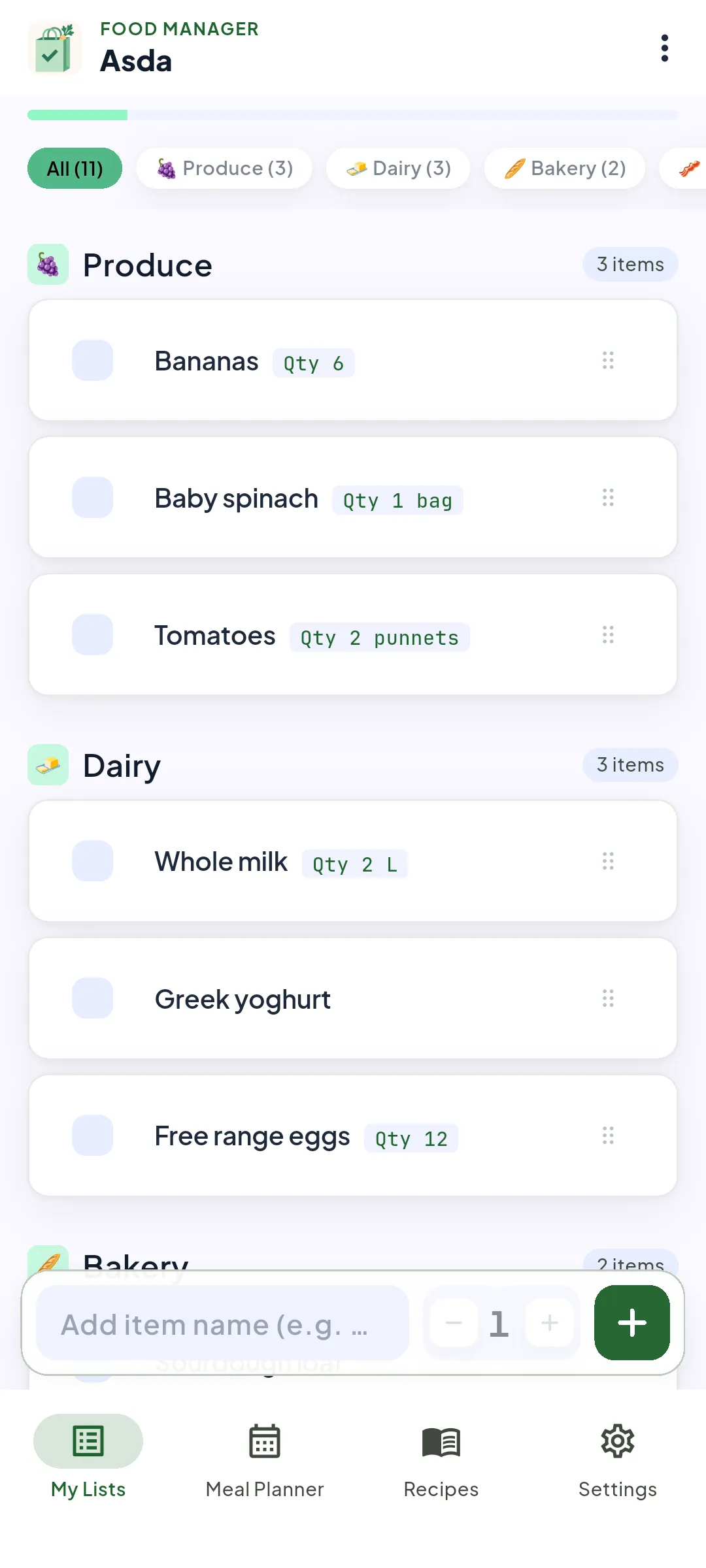
Add an item and Food Manager puts it in the right category, on your phone, even with no signal. Double-tap any item to change its name, category or quantity.
Free to install. You only need an account to share a list or link Alexa.
Type “halloumi” and it lands in Dairy before you’ve put your phone down. The model runs on your phone, so your list never leaves it to be sorted.
Tap an item to strike it through. Swipe to delete, with an undo if your thumb slips.
Share a list with a 5-digit invite code. It stays in step on every phone.
Your list lives on your phone and works fully offline. You only need an account to share a list or link Alexa.
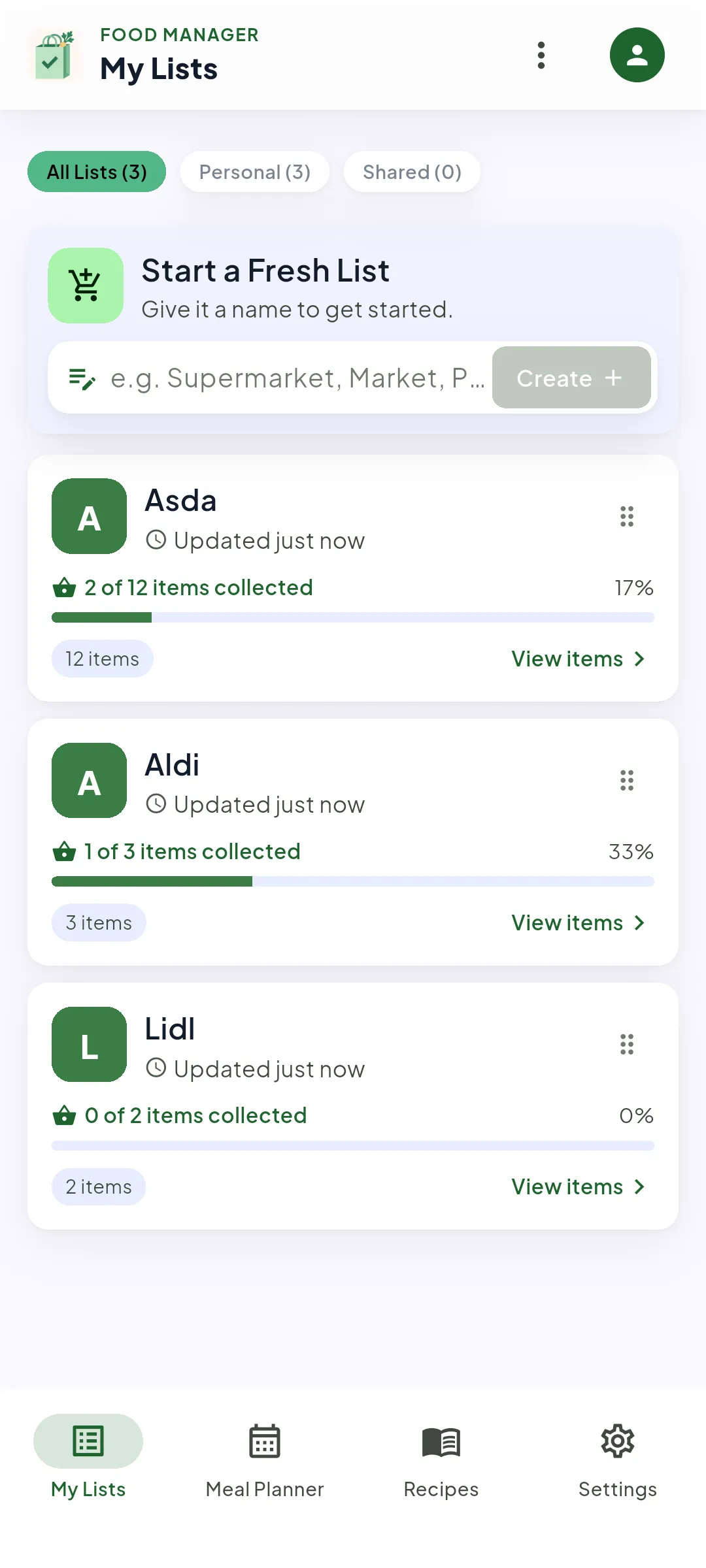
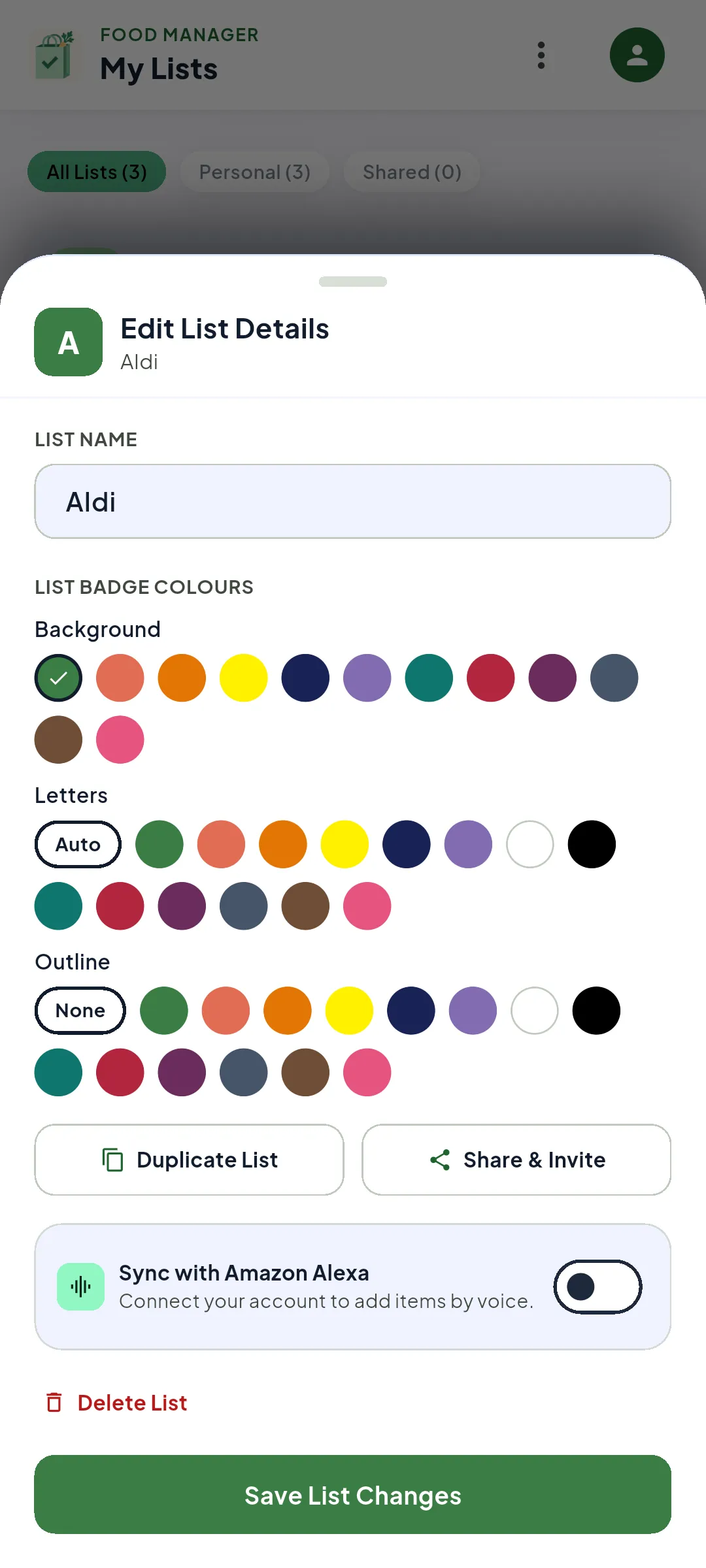
Keep Asda, Aldi and Lidl apart, each sorted into your categories. Double-tap a list to rename it, give it its own colour, duplicate it or share it.
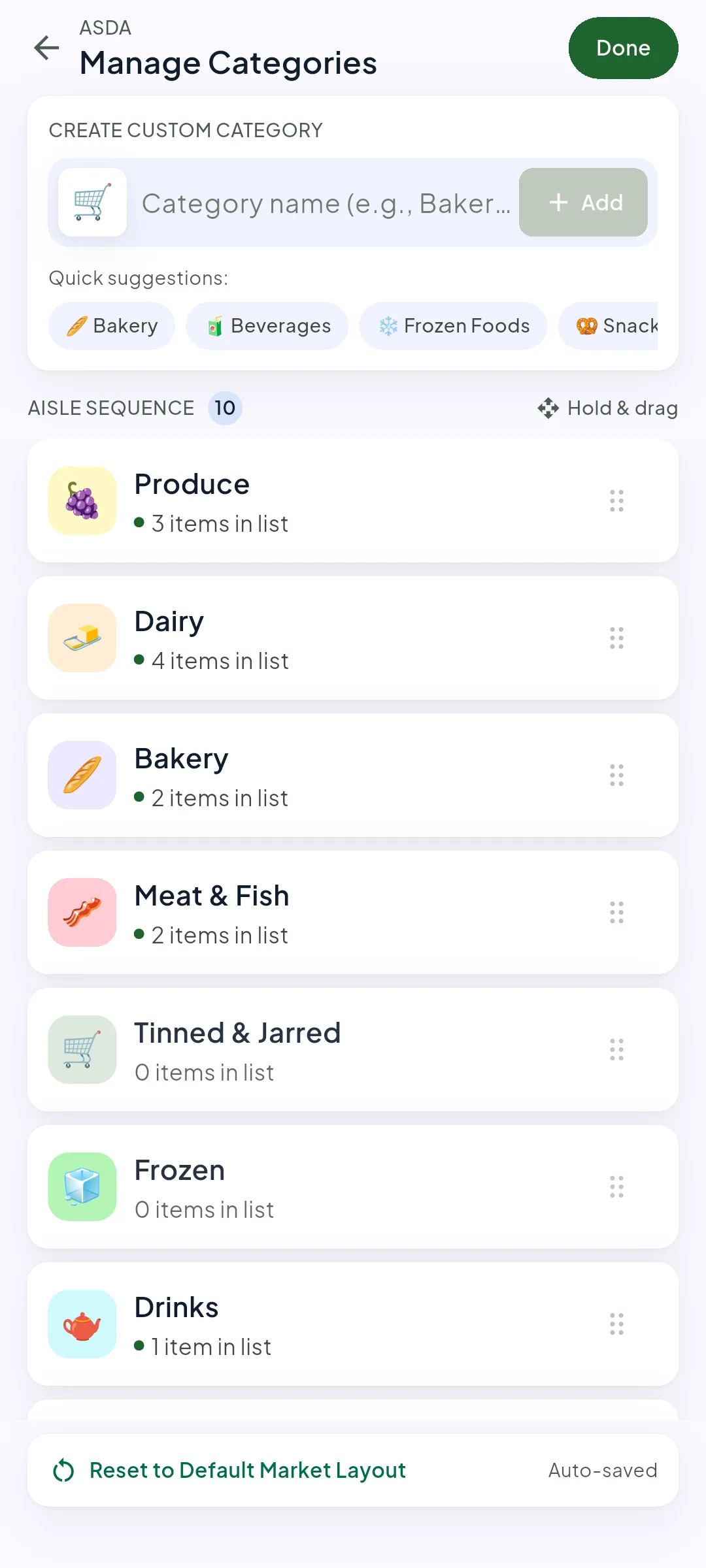
Make the categories you actually use, from Party supplies to the corner shop, and put them in the order you walk the aisles. Move an item once and Food Manager remembers it next time.
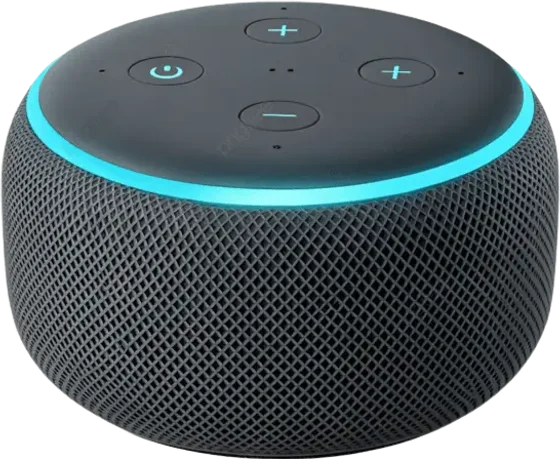
Link Alexa and say “Alexa, ask Food Manager to add eggs.” It’s on your list the next time you look.
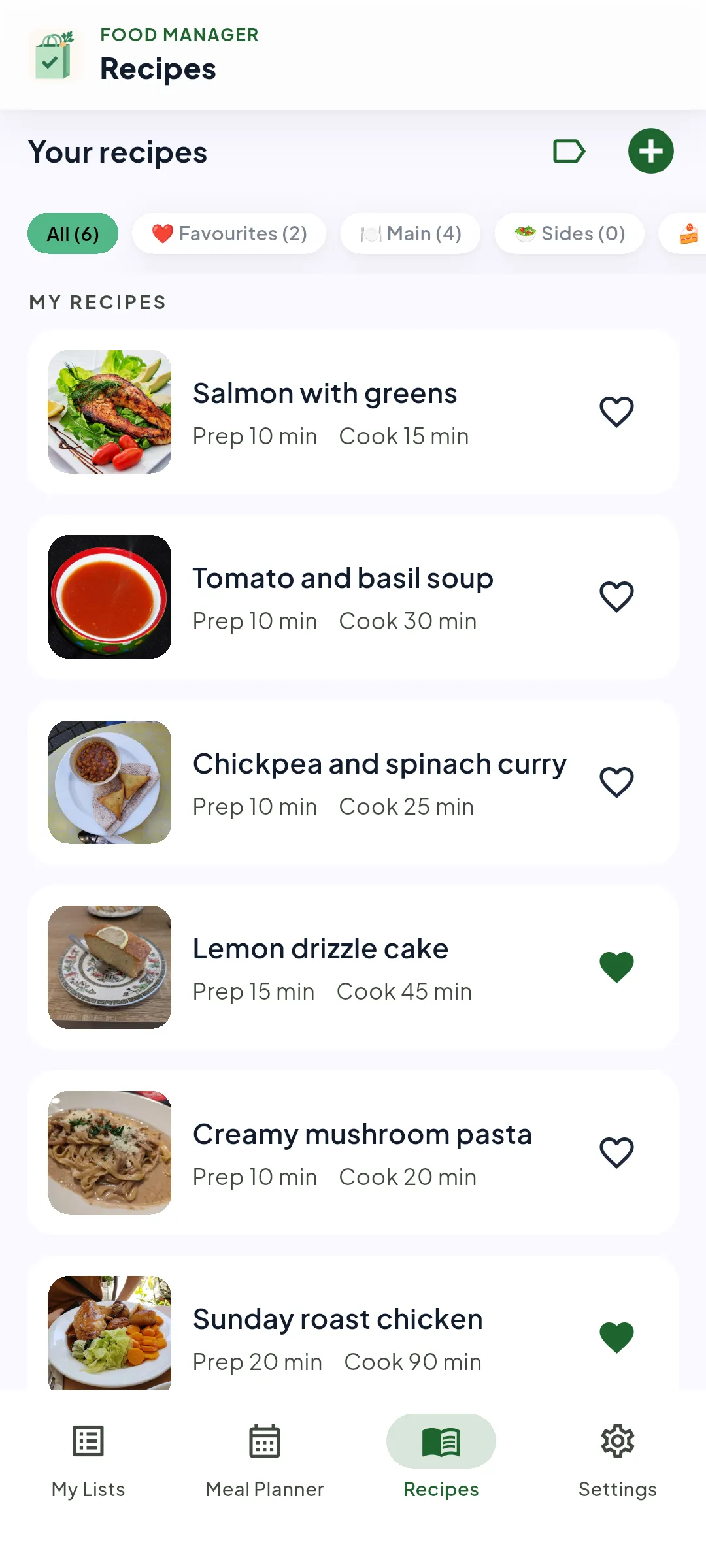
Save recipes with their prep and cook times, mark the favourites and sort them into your own groups. Recipes are part of Premium.
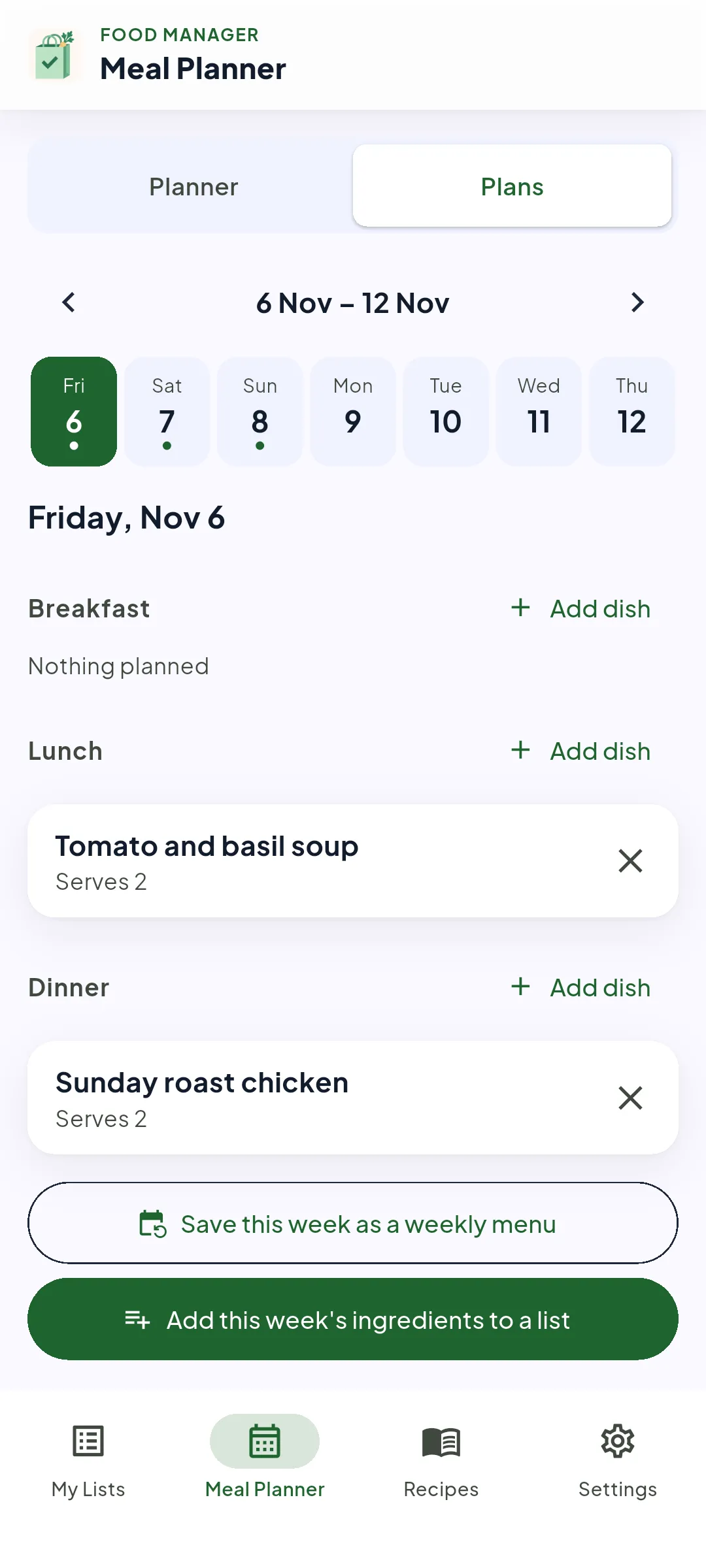
Put a dish on each day, then add the week’s ingredients to a list in one tap. The meal planner is part of Premium.
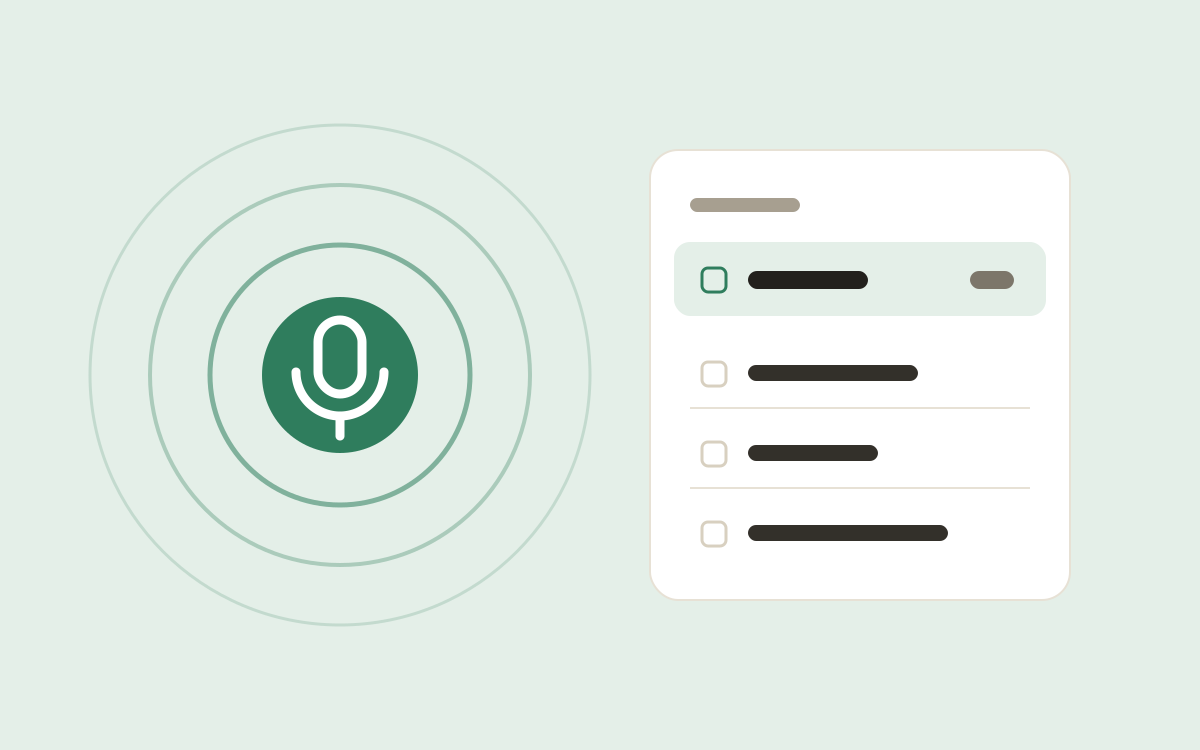
Link Food Manager to Alexa and add items by voice while your hands are full. Here is how to set it up in a couple of minutes.
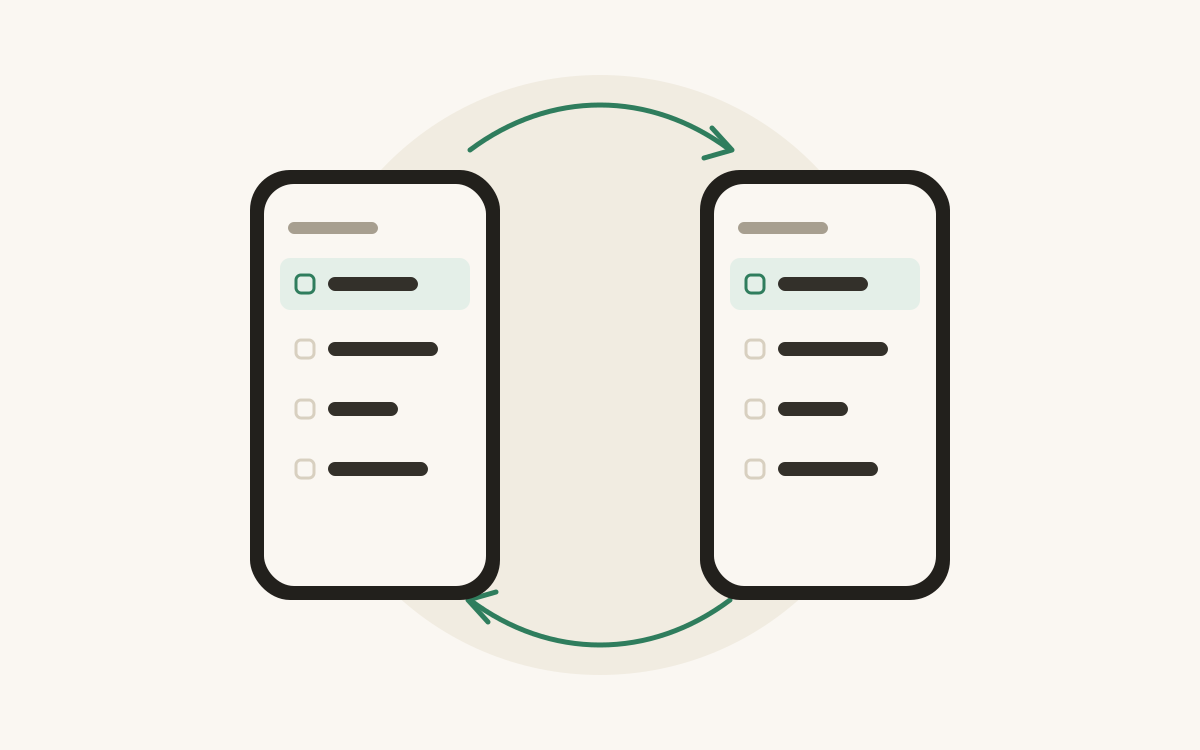
Stop texting each other “do we need milk?” Share a Food Manager list with a one-time code and everyone shops from the same list.
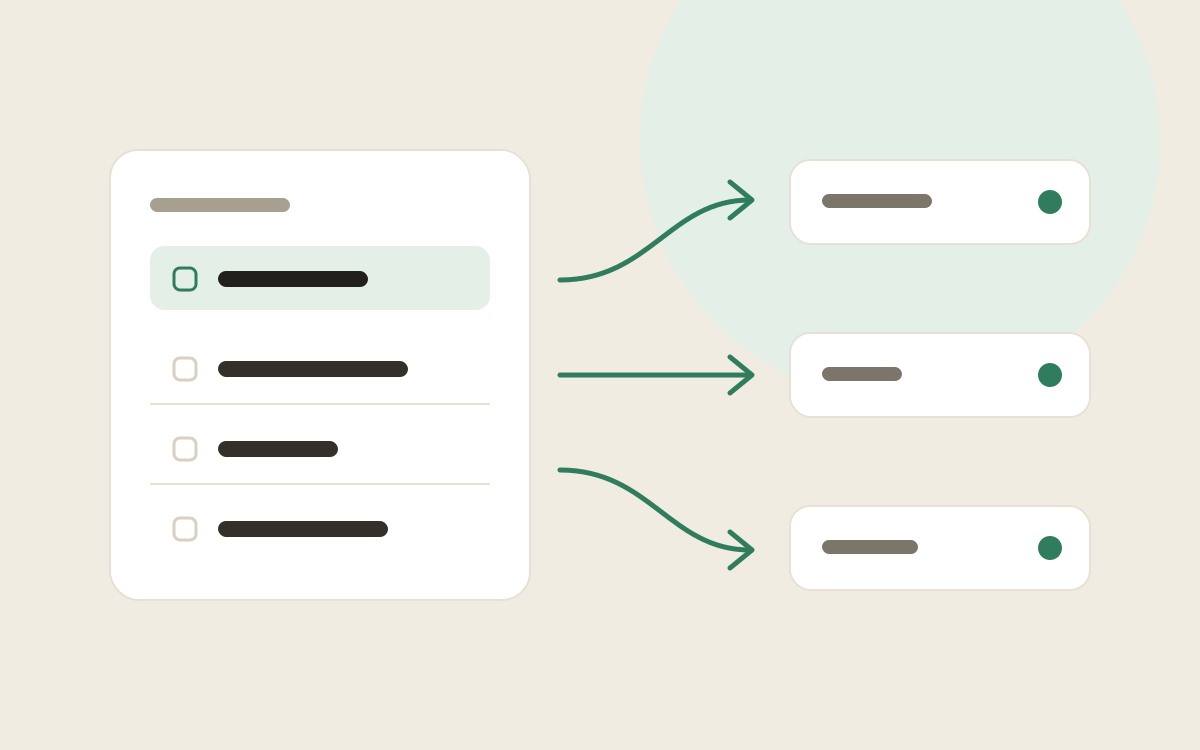
Every item you add is put into one of your own categories by a small AI model that runs on your phone. Here is how that works, and why it stays there.
The short version of how Food Manager works.
Yes, it’s free to install. Recipes and the meal planner are part of Premium, which also removes the ads.
Not to make and use lists. You only need an account to share a list with your household or link Alexa.
A small AI model runs on your phone and sorts each item as you type, using the categories you’ve set up. Move an item to a different category once and it remembers next time. Your list never leaves your phone to be sorted.
Yes. Your list lives on your phone and works fully offline, so the back of the supermarket is no problem.
Share the list and give the others its 5-digit invite code. Everyone adds to the same list, and it stays in step on every phone.
Link Alexa to Food Manager, then say “Alexa, ask Food Manager to add eggs.” The item is on your list the next time you look.
Not at the moment. Food Manager is on Android, from Google Play.
Free on Android, with no account needed to start.